How can I schedule the delivery of a gift for a specific date?
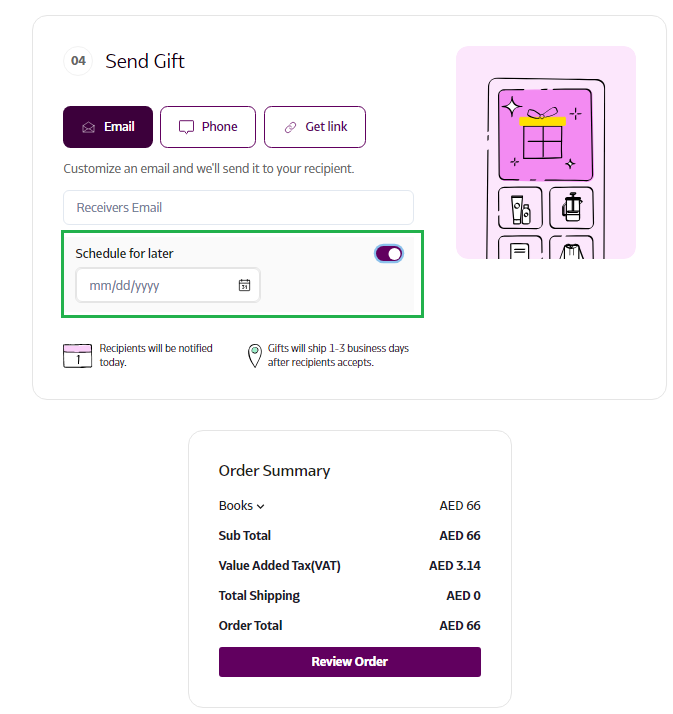
In the 'Send Gifts' section, simply select the 'Schedule for Later' option. Your recipient will be notified on the date you choose, and their gift will arrive within 1-3 days after they accept it.
How to Schedule a Gift Delivery for a Specific Date
- Log in to Supr using your credentials.
- Select the gift you wish to send and add it to your Gift Bag.
- Click on the 'Send Gift' option in the top right corner to proceed to checkout.
- In the 'Send Gift' section, enable the 'Schedule for Later' toggle and select your preferred delivery date.