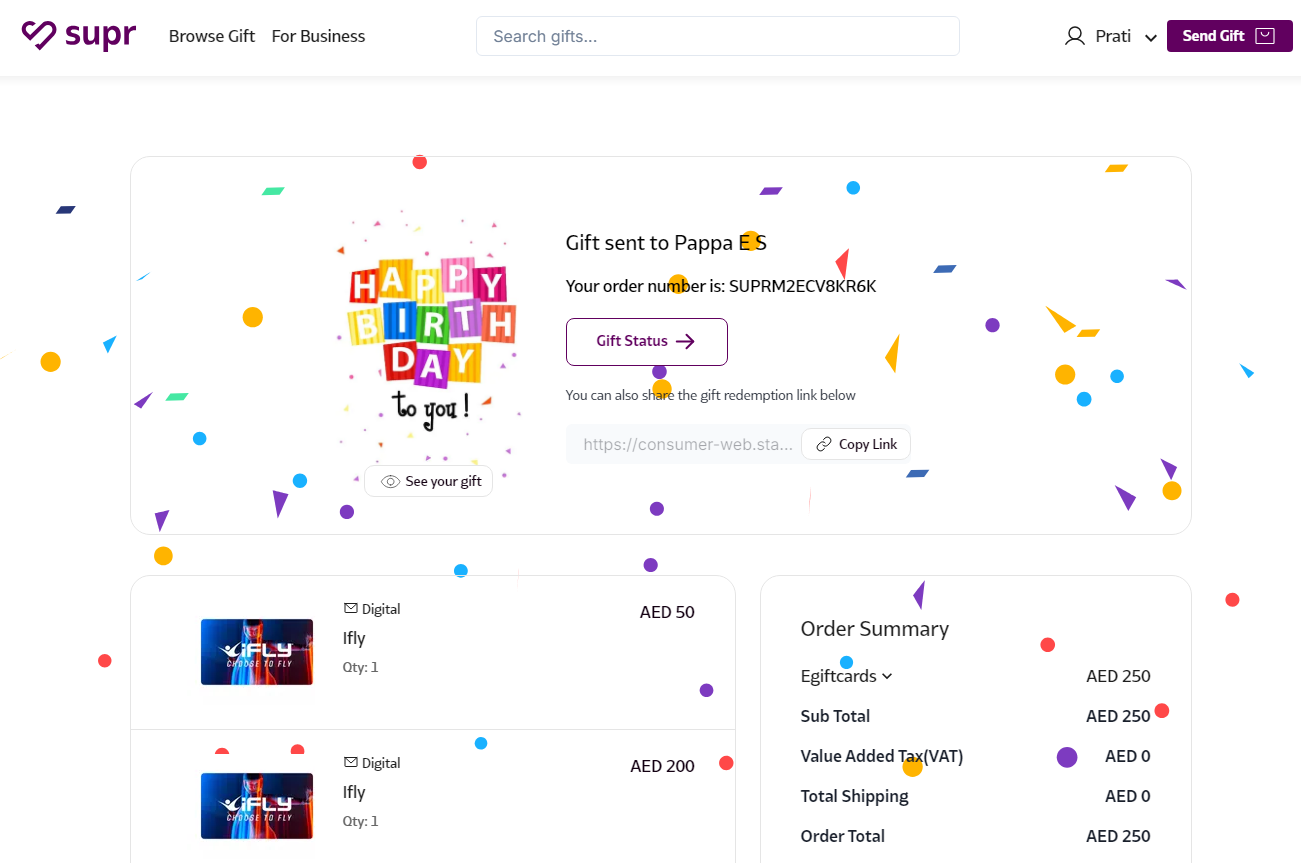
How does sending an e-Gift Card on Supr work?
Sending an E-Gift Card on Supr is simple! Choose from 100+ brands and select your preferred amount. Add a personal message and a greeting card, then send it instantly or schedule it for later via SMS, email, or both. You can even track when it’s opened in the 'My Gifts' section.
How to Send a Gift Card On Supr:
- Log in to Supr using your credentials.
- Select the gift card you wish to send from the Gift Cards category and add it to your Gift Bag.
- Click on the Send Gift option in the top right corner to proceed to checkout.
- Choose a greeting card and add a personalized message you wish to send.
- In the Send Gift section, select the method you'd like to send the gift card.
- Review your order and complete the payment.
That’s it—you’re all set!